Your local AI, from any browser.
Chat with the Ollama models running on your own computer from your phone, your laptop or a work PC. No VPN, no ports to open, no advanced settings, and a server that cannot read your conversations.
Free, and your conversations stay on your computer.
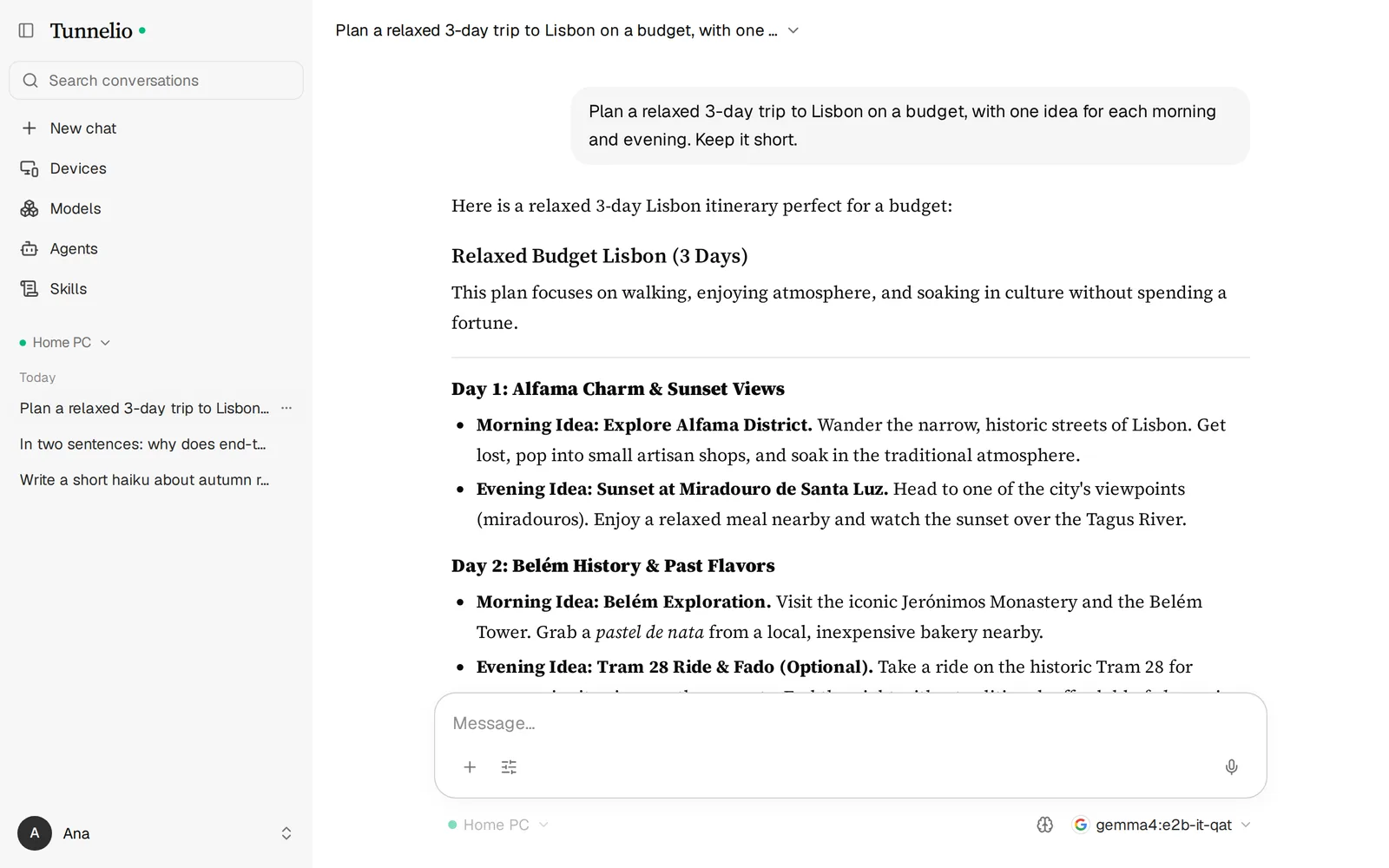
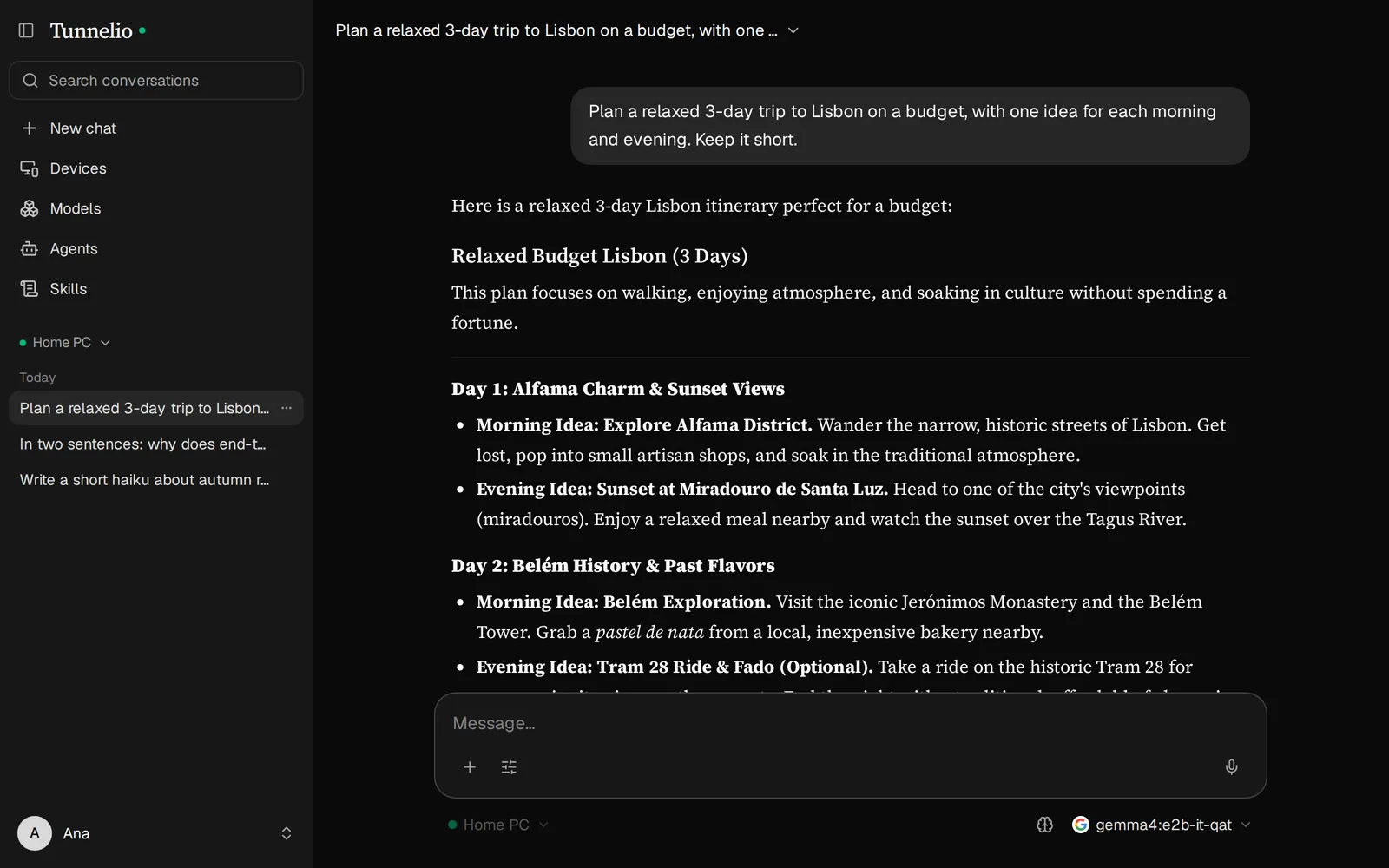
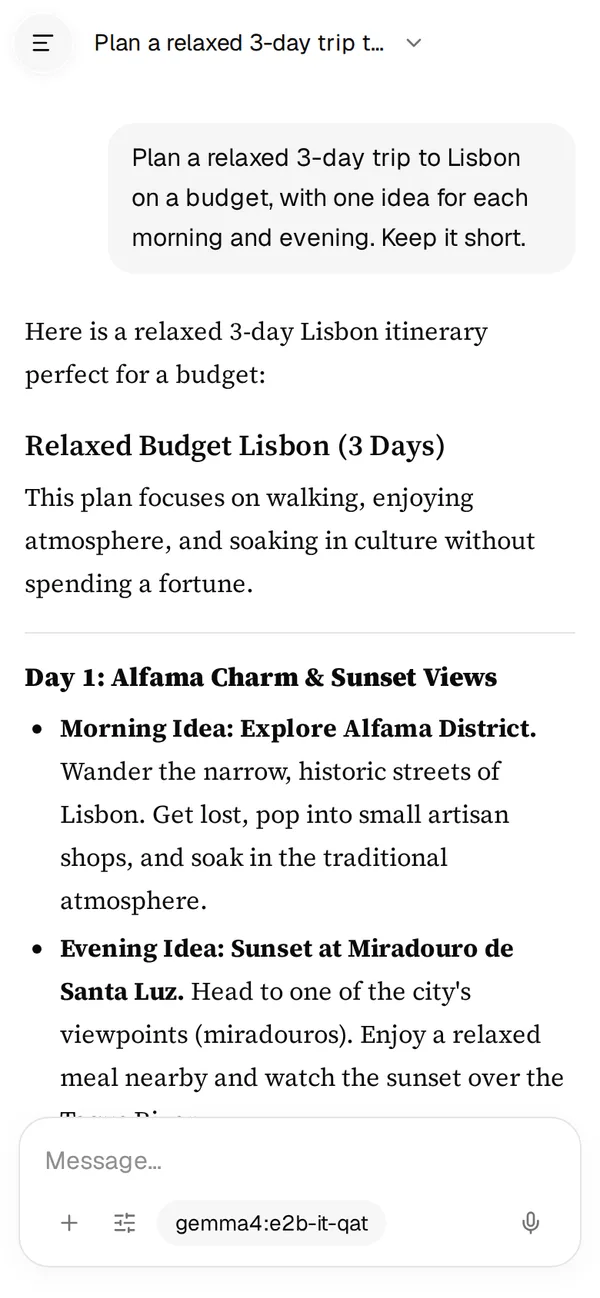
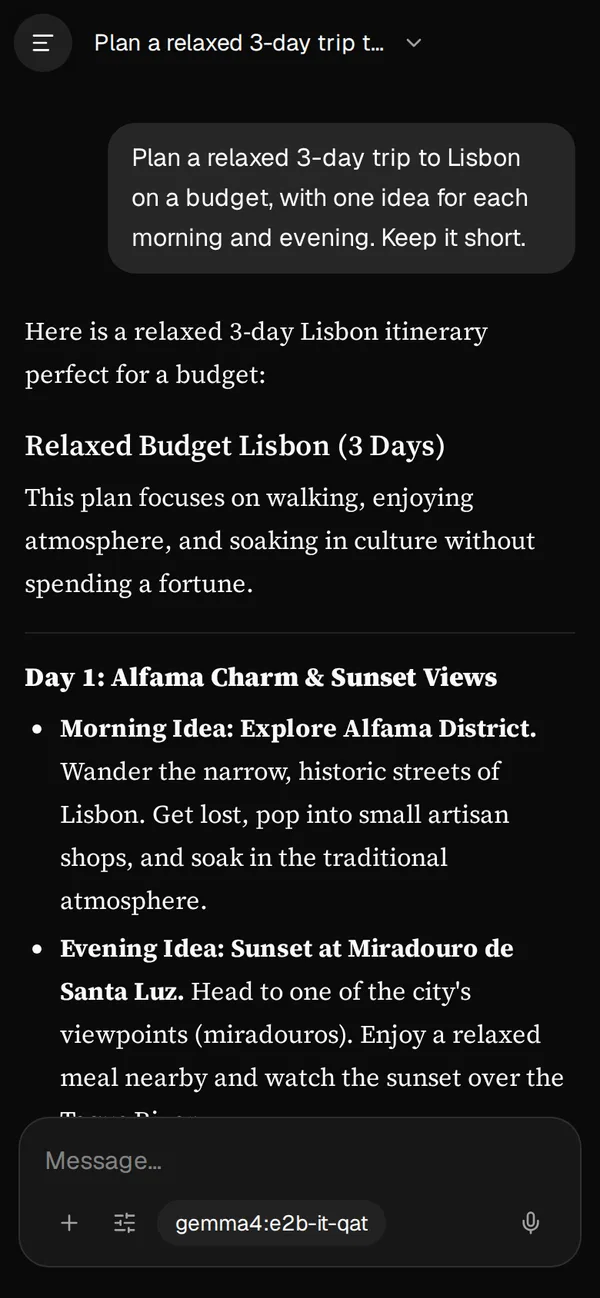
Your models, anywhere. Only yours.
Tunnelio links your browser to Ollama on your computer, with encryption the server cannot open.
- End-to-end encryptedPairing with SPAKE2, a new X25519 key for every session and AES-256-GCM on every message. The server knows your e-mail and your devices, never your prompts or answers.
- Conversations stay on your computerHistory is saved only on the PC that runs Ollama and read from any browser you sign in to. Nothing is kept in the cloud.
- Any browser, any devicePhone, tablet, laptop or a work PC where you cannot install anything. Answers arrive as they are written, with images and documents.
- Agents and skillsGive a model instructions, skills and its own settings, and chain agents so each one builds on the answer before it.
- Models in one clickBrowse the Ollama library with the size of every download and send it to your computer with one click, from wherever you are.
- Open sourceThe computer app, the web app and the server are open, under the AGPL-3.0: read the code, build it yourself or run your own server.
Up and running in three steps
No VPN, nothing to set up on your network or your router: just a small app next to Ollama.
Pair a device
7KQ2-M9XA-F4TD
Pairing code · Expires in 298s
Tunnelio
Device paired successfully.
Pair this device
The code is shown by the tray app and never leaves this device unencrypted.
7KQ2-M9XA-F4TD
Finishing…CancelPaired with Home PC.
This device can now chat with the computer. The pairing is synced, encrypted, to your other signed-in browsers.
Donegpt-oss:20b
Installed (1)
6.58 GB · gemma4 · 7.5B · Q4_K_M
Download other models
The Ollama library, updated daily. Click a size to download it.
13.9M pulls
Plan a 3-day trip to Lisbon
9f3a·c17e…Here is a relaxed, budget-friendly 3-day Lisbon plan:
Day 1: Alfama and a sunset view
- Morning: get lost in the narrow streets of the Alfama district.
- Evening: watch the sunset from Miradouro de Santa Luzia.
Day 2: Culture and green space
- Morning: coffee and small shops at LX Factory.
- Evening: a casual dinner in Mouraria.
Day 3: Belém
- Morning: Jerónimos Monastery and a pastel de nata nearby.
- Evening: fado in a small tavern in Bairro Alto.
Tip: wear comfortable shoes; Alfama is all hills and stairs.
- 1
Install the app on your computer
Tunnelio sits next to Ollama, in the system tray, and keeps an outgoing connection. There are no ports to open.
- 2
Pair it with a code
In the app's menu, choose “Pair a device” and point your phone's camera at the QR code, or type the code in the web app. The code's secret part never reaches the server.
- 3
Chat from anywhere
Pick a model and talk. Answers travel from your computer to your browser, encrypted end to end.
The trip of one message
Your browser and your computer encrypt everything between them. The server in the middle only passes sealed messages along.
Your browser
Phone or laptop
Has the keyTunnelio server
No keyYour computer
Tunnelio + Ollama
Has the keyOn your phone
Plan a 3-day trip to Lisbon
Day 1: Alfama in the morning, a viewpoint at sunset…
All the server sees
9f3a c17e 04bd 6e2a b1…
to your computer · 412 bytes
77d0 2e91 c4af 03b8 5e…
to your browser · 2.1 kB
On your computer
Plan a 3-day trip to Lisbon
OllamaSaved on this computerThe server knows
- Your e-mail and your devices
- When they connect
- How big each message is
The server never sees
- Your messages or the answers
- Which model you use
- The secret part of the pairing code
Download Tunnelio for your computer
A small app that runs next to Ollama. Nothing to install on your phone or in the browser.
macOS
Apple Silicon and Intel · .dmg
SHA-256 · v1.0.0
- Tunnelio-macos.dmg
7502e08801dd7830988c2c9ee4c78daeaf2dfc4ce9566d76a29bb13fe6f89959
Windows
Windows 10 and 11 · .zip
SHA-256 · v1.0.0
- Tunnelio-windows.zip
18db6b0e9b51f344a7bde3b46a2cb5b5de66f15f9379d6fadfefdb54d9116a47- Tunnelio-windows-arm64.zip
4836fcb599e244e69413c81388e279b097d9961e7d7ff83f1d67a3315bc81e2b
Ubuntu / Debian
.deb package
SHA-256 · v1.0.0
- Tunnelio-ubuntu.deb
7b4072957556324cd726ea728330be572da0355deac8c3b7b550ed01e8749d90- Tunnelio-ubuntu-arm64.deb
48dcfabd30bd7bfd7d53884be1f666e2ff4a8afdcba70245f425fa03e813444f
The installers are not signed yet: the first time, macOS and Windows ask you to confirm you want to open the app. See how to open it.
ARM builds: Ubuntu arm64 · Windows arm64. Every release and its checksums. You also need Ollama on that computer.
Frequently asked questions
Short answers about privacy, setup and what you need.